







Common Sense Media Review
 By Amanda Bindel
,
based on child development research. How do we rate?
By Amanda Bindel
,
based on child development research. How do we rate?
Kids learn to write via practicing, mirroring, publishing.
Parents Need to Know
Why Age 5+?
Any Positive Content?
Where to Download
Videos and Photos


WriteReader Classroom
Parent and Kid Reviews
What's It About?
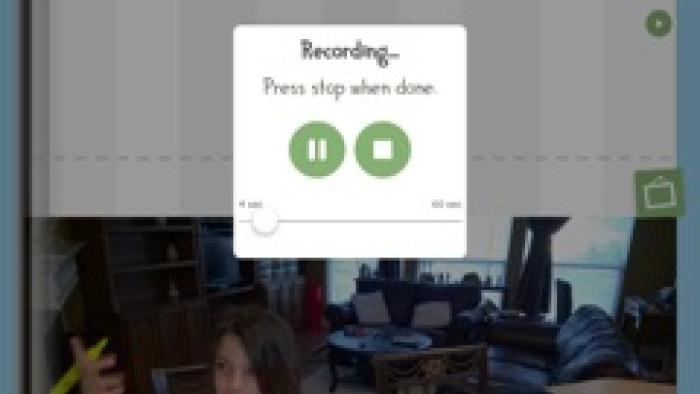
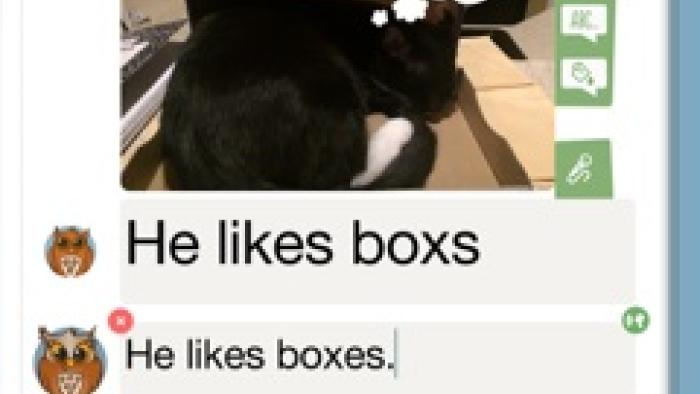
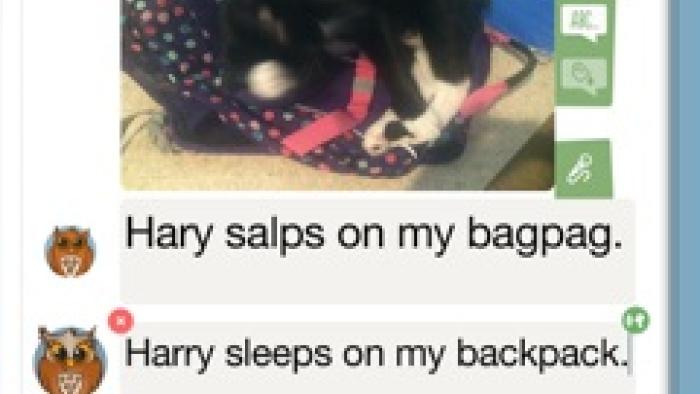
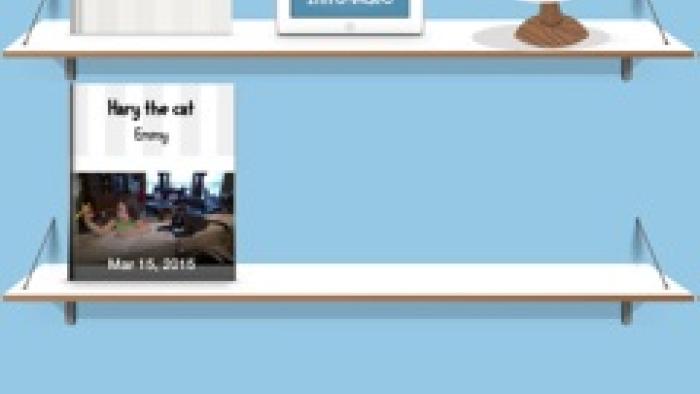
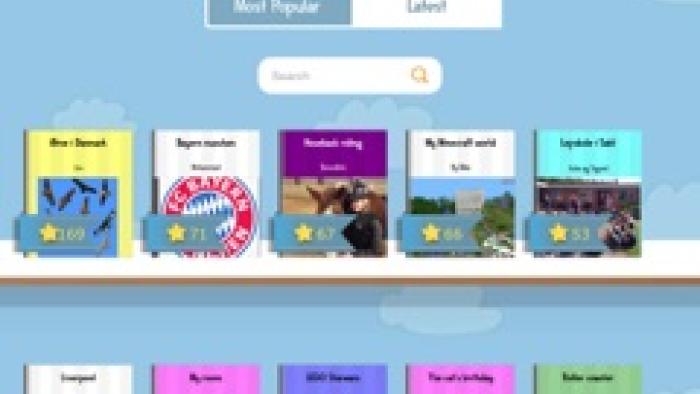
WRITEREADER PRO is designed for kids learning to write and read. To create their own books, kids tap the plus sign to add a new book and then give their book a title and author and add a cover image. They can then add text, voice narration, thought or speech bubbles, and images to each page of the book -- up to 40 pages. Parents then can add a comment or write a "translation" of the kid's writing in a separate field, using proper spelling and conventions, so kids can see and learn and practice reading. Kids can tap the speech icon to have parent's comments read aloud.
Is It Any Good?
The features included -- feedback from parents, the opportunity to publish, the ability to customize with pictures and speech bubbles -- make writing fun for kids, which is exactly what encourages kids to write. The more they write, the better they write; the more they read, the better they read. WriteReader Pro ties writing and reading together, letting kids write original texts, read other's writing, and reread their own writing, mirrored by the correctly spelled and assembled adult version. The keyboard is customizable, too, letting kids see the letters in caps or lowercase and hear audio of letter names or letter sounds as they type. Best of all, though, are the ideas for parents included on the website.
Talk to Your Kids About ...
Families can talk about writing in their daily lives, just as they can about reading. Involve kids in making wish lists, grocery lists, and other daily writing.
Check out the advice on the WriteReader website for more ideas on developing strong writers.
App Details
- Device : iPad
- Subjects : Language & Reading : letter or word recognition , phonics , reading , writing
- Skills : Creativity : imagination , making new creations , Communication : conveying messages effectively , multiple forms of expression , Tech Skills : digital creation
- Pricing structure : Free
- Release date : March 3, 2015
- Genre : Education
- Publisher : WriteReader Aps
- Version : 2.1
- Minimum software requirements : iOS 8.0 or later
- Last updated : November 11, 2020
Did we miss something on diversity?
Research shows a connection between kids' healthy self-esteem and positive portrayals in media. That's why we've added a new "Diverse Representations" section to our reviews that will be rolling out on an ongoing basis. You can help us help kids by
Suggest an Update
Common Sense Media's unbiased ratings are created by expert reviewers and aren't influenced by the product's creators or by any of our funders, affiliates, or partners.
See how we rate