





Common Sense Media Review
 By Erin Bell
,
based on child development research. How do we rate?
By Erin Bell
,
based on child development research. How do we rate?
Challenging physics game; optional community has iffy stuff.
Parents Need to Know
Why Age 15+?
Any Positive Content?
Where to Download
Videos and Photos


Apparatus

Parent and Kid Reviews
Privacy Rating Warning
Privacy Rating
Our expert evaluators create our privacy ratings. The ratings are designed to help you understand how apps use your data for commercial purposes.
Pass
Meets our minimum requirements for privacy and security practices.
Warning
Does not meet our recommendations for privacy and security practices.
Fail
Does not have a privacy policy and should not be used.
Privacy Rating
Our expert evaluators create our privacy ratings. The ratings are designed to help you understand how apps use your data for commercial purposes.
Pass
Meets our minimum requirements for privacy and security practices.
Warning
Does not meet our recommendations for privacy and security practices.
Fail
Does not have a privacy policy and should not be used.
What's It About?
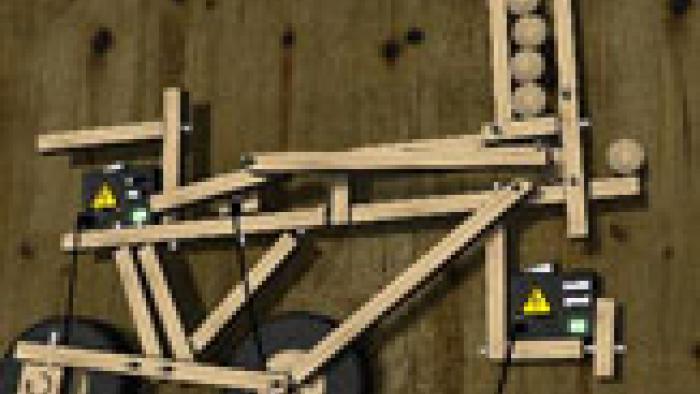
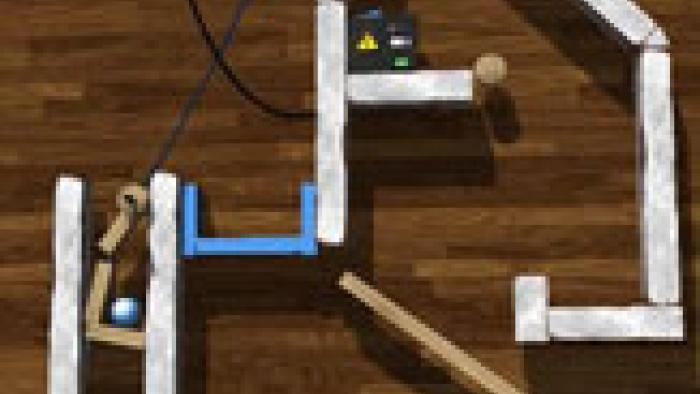
Kids are presented with a collection of objects: the ever present marble and catch box, immovable objects (metal), and movable objects (wood). Kids tap then twist movable objects to rotate, and then drag and drop them into place. Kids can connect or disconnect objects using a hammer or wrench, but connections bear little resemblance to real-world carpentry or machining. Kids can create their own puzzles and share with a community in the Sandbox mode.
Is It Any Good?
The puzzles in APPARATUS go beyond the relatively simple physics concepts of games like Angry Birds and Cover Orange. Instead, each level challenges players to connect planks, wheels, ropes, and even batteries and cables to create real, moving machines that can transport a marble from one part of the screen to another. Players can also create levels in Sandbox mode, and upload their creations to the app's community for other players to play and rate.
Players who do not want to risk being exposed to iffy content should steer clear of the community, which means they will not be able to upload their own levels. Casual players might find Apparatus's gameplay a little too complex, but players who enjoy tinkering with machines will find an enjoyable outlet for their creativity.
Talk to Your Kids About ...
Teach your kids some basic carpentry, in particular, ways to connect materials.
Encourage your older kids to build a ramp system for a marble, a younger sibling's toy car, or for skating.
App Details
- Device : Android
- Subjects : Hobbies : building , Science : engineering , gravity , momentum , Language & Reading : reading comprehension
- Skills : Thinking & Reasoning : analyzing evidence , applying information , deduction , hypothesis-testing , part-whole relationships
- Pricing structure : Paid
- Release date : January 17, 2014
- Genre : Education
- Publisher : Bithack
- Version : 1.2.1
- Minimum software requirements : Android 1.6 and up
- Last updated : November 11, 2020
Did we miss something on diversity?
Research shows a connection between kids' healthy self-esteem and positive portrayals in media. That's why we've added a new "Diverse Representations" section to our reviews that will be rolling out on an ongoing basis. You can help us help kids by
Suggest an Update
Common Sense Media's unbiased ratings are created by expert reviewers and aren't influenced by the product's creators or by any of our funders, affiliates, or partners.
See how we rate