







Common Sense Media Review
 By Dana Anderson
,
based on child development research. How do we rate?
By Dana Anderson
,
based on child development research. How do we rate?
Voice recognition surprisingly good, but not perfect.
Parents Need to Know
Why Age 11+?
Any Positive Content?
Where to Download
Videos and Photos


Dragon Dictation

Parent and Kid Reviews
What's It About?
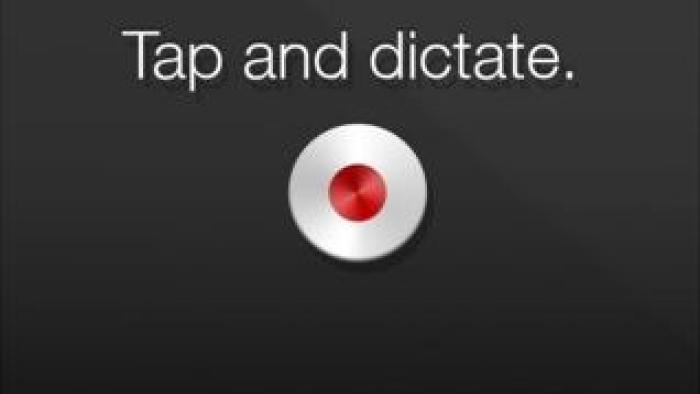
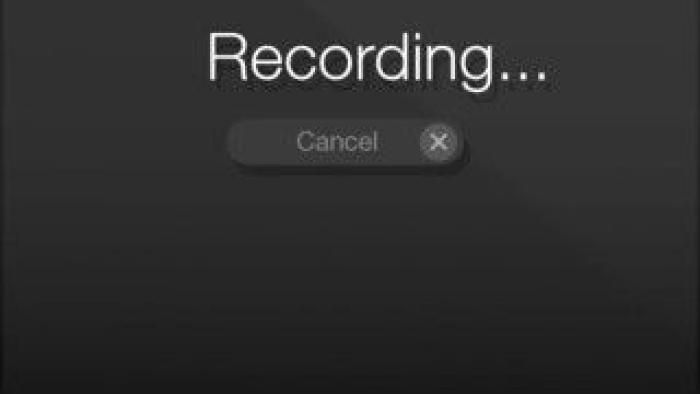
Kids tap "Record" and start talking. When finished, they press "Stop." The voice dictation in the form of text appears on the screen. There are different commands for various punctuation or other formatting options. Kids choose how and to whom they want to send their note (via email, Twitter, Facebook, SMS) or cut and paste their note elsewhere to edit and save. Saving options are different depending upon which mobile device they're using.
Is It Any Good?
Kids with limited ability to type or with learning challenges could benefit from using DRAGON DICTATION. Kids who use this free app must be able to speak clearly and they or someone else should checks their notes for dictation accuracy. The voice recognition is surprisingly good, but it isn't perfect. Many younger kids may not speak clearly enough for this app to pick up what they're saying accurately, which could make for nonsensical sentences. Dragon Dictation is a good tool with limitations.
Talk to Your Kids About ...
Read through the tips for improving Dragon Dictations accuracy.
The next time your kid is stumped on start to write an essay or book report, suggest they speak it using this tool.
App Details
- Devices : iPhone , iPod Touch , iPad
- Subjects : Language & Reading : speaking , spelling , writing
- Skills : Creativity : producing new content , Communication : conveying messages effectively , speaking , Tech Skills : using and applying technology
- Pricing structure : Free
- Release date : February 15, 2012
- Genre : Productivity
- Publisher : Nuance Communications
- Version : 2.0.28
- Minimum software requirements : iOS 4.0 or later
- Last updated : November 11, 2020
Did we miss something on diversity?
Research shows a connection between kids' healthy self-esteem and positive portrayals in media. That's why we've added a new "Diverse Representations" section to our reviews that will be rolling out on an ongoing basis. You can help us help kids by
Suggest an Update
Common Sense Media's unbiased ratings are created by expert reviewers and aren't influenced by the product's creators or by any of our funders, affiliates, or partners.
See how we rate