







Common Sense Media Review
 By Mieke VanderBorght
,
based on child development research. How do we rate?
By Mieke VanderBorght
,
based on child development research. How do we rate?
Brief intro to virtual reality leaves you wanting more.
Parents Need to Know
Why Age 7+?
Any Positive Content?
Where to Download
Videos and Photos


Google Cardboard

What's It About?
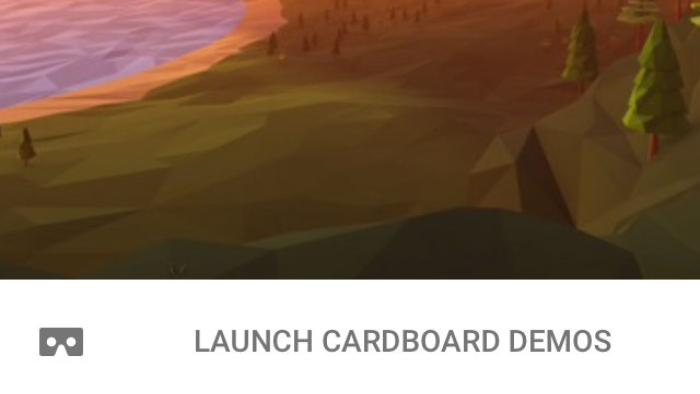
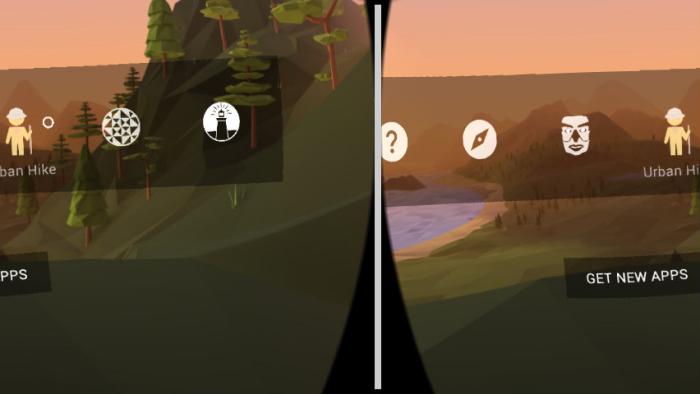
GOOGLE CARDBOARD offers an introduction to virtual reality with five experiences. Insert your phone into your viewer and look all around you as you go for a walk through world cities like Paris or Tokyo with images from Google Streetview or explore interesting world sites, like the Great Barrier Reef or the American Museum of Natural History. Users also can take a 3D look at a handful of objects from museum exhibitions. For a different experience, feel like you're falling through a kaleidoscope or fly with birds in an arctic landscape.
Is It Any Good?
A few well-chosen experiences offer only a small taste of the immersive feel of virtual reality. Google Cardboard works best as a tutorial for how to use virtual reality with your phone and a viewer and as a sample of the different things that virtual reality can offer. It's great fun to feel like you're standing along a canal in Venice or to look all around you to explore an exhibition hall at the National Air and Space Museum. The fun will probably end quickly, though, since each of these experiences is a still photo (rather than a video) and once you've turned all around -- or moved forward or backward a bit -- there's not much else to see. The animated arctic journey offers motion but is also a pretty quick shot. Bottom line: Virtual reality can be a super-cool experience, and Google Cardboard feels like a limited practice run. Kids who are enchanted by the experience will certainly want more. Parents may want to consider the potential physical and emotional effects, particularly on sensitive kids who may feel nauseated, get headaches, or feel overwhelmed by the immersive experience. VR isn't recommended for little kids.
Talk to Your Kids About ...
Families can talk about how using virtual reality apps like Google Cardboard is different from playing with apps in 2D. What does virtual reality add? How real does it feel?
Talk about the different places featured in the Google Cardboard adventures. Which ones interest your kids the most? Read books or visit the web to learn more about their favorite sites.
App Details
- Devices : iPhone , iPod Touch , iPad , Android
- Subjects : Social Studies : exploration , global awareness
- Skills : Tech Skills : using and applying technology
- Pricing structure : Free
- Release date : March 14, 2016
- Genre : Simulation Games
- Topics : Adventures , STEM
- Publisher : Google Inc
- Version : 1.2
- Minimum software requirements : iOS 8.0 or later; Android 4.1 and up
- Last updated : October 1, 2025
Did we miss something on diversity?
Research shows a connection between kids' healthy self-esteem and positive portrayals in media. That's why we've added a new "Diverse Representations" section to our reviews that will be rolling out on an ongoing basis. You can help us help kids by
Suggest an Update
Common Sense Media's unbiased ratings are created by expert reviewers and aren't influenced by the product's creators or by any of our funders, affiliates, or partners.
See how we rate