







Common Sense Media Review
Learn tracing with a cute crab and hand-drawn reward pics.
Parents Need to Know
Why Age 4+?
Any Positive Content?
Where to Download
Videos and Photos


iWriteWords (Handwriting Game)
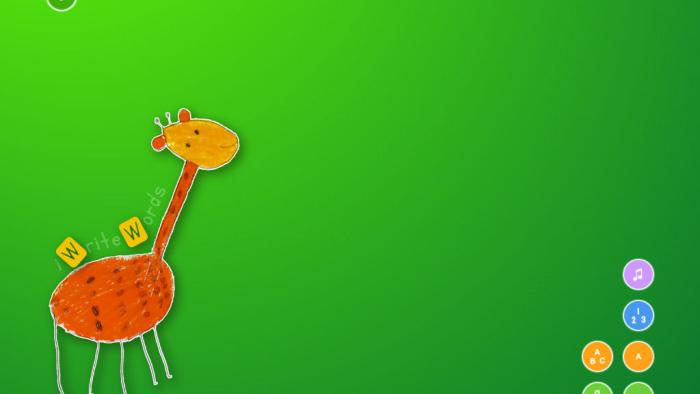
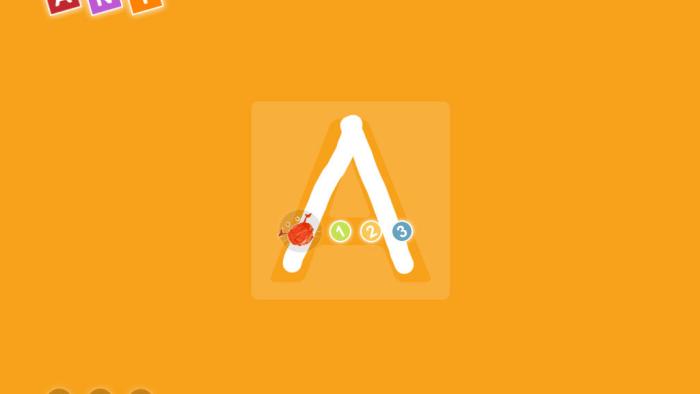
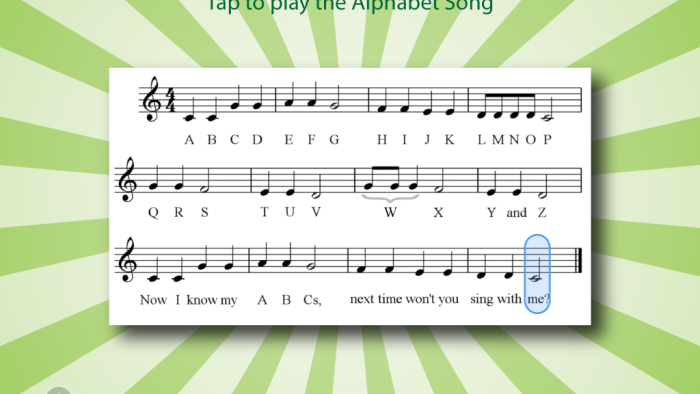
What's It About?
In IWRITEWORDS, kids drag Mr. Crab to trace letters and numbers, following the numbered dots. Kids can choose to work on only numbers, uppercase or lowercase letters, or short words. After tracing each item, kids have to flick or tilt the letters into a corner of the screen, where they fall into a vortex, adding a bit of fun. If kids go outside the tracing area, Mr. Crab will make kids start over again, ensuring that they trace correctly. When they've successfully completed the tracing, kids can see a replay of their writing.
Is It Any Good?
Dragging Mr. Crab across letters or numbers through iWrite Words' numbered dots can be an engaging way to learn the correct sequence. However, the shaking visuals and squeaky sounds that happen when you trace off-track might be discouraging for some kids. Each time kids complete a word, a cute drawing appears, and kids can choose to watch a replay of their tracing. Sweeping the letters into the spinning vortex can be fun, too, although this could be confusing as the letters can become transposed in the process.
Parents and kids can choose specific letters, numbers, and words to include, and they can change the size of the tracings with a simple swipe. Other customization options are hidden in the iPad's main settings page, not the app. Overall, some kids will find the app fun, but they might feel more accomplishment if the tasks got progressively more challenging.
Talk to Your Kids About ...
Encourage your kids to add writing to their drawings. Help them label what they draw by spelling out the words for them if needed.
Watch your kids practice with the app to see what letters or numbers they have trouble with; help your kids practice the tricky ones using crayons or chalk.
App Details
- Devices : iPhone , iPod Touch , iPad
- Subjects : Language & Reading : letter or word recognition , writing , Math : numbers
- Skills : Thinking & Reasoning : applying information
- Pricing structure : Paid
- Release date : May 29, 2013
- Genre : Educational Games
- Publisher : gdiplus
- Version : 3.2
- Minimum software requirements : iOS 4.3 or later
- Last updated : September 23, 2025
Did we miss something on diversity?
Research shows a connection between kids' healthy self-esteem and positive portrayals in media. That's why we've added a new "Diverse Representations" section to our reviews that will be rolling out on an ongoing basis. You can help us help kids by
Suggest an Update
Common Sense Media's unbiased ratings are created by expert reviewers and aren't influenced by the product's creators or by any of our funders, affiliates, or partners.
See how we rate