








Common Sense Media Review
 By Patricia Monticello Kievlan
,
based on child development research. How do we rate?
By Patricia Monticello Kievlan
,
based on child development research. How do we rate?
Create and share sharp, professional presentations.
Parents Need to Know
Why Age 12+?
Any Positive Content?
Where to Download
Videos and Photos


Keynote
What's It About?
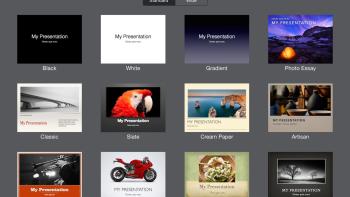
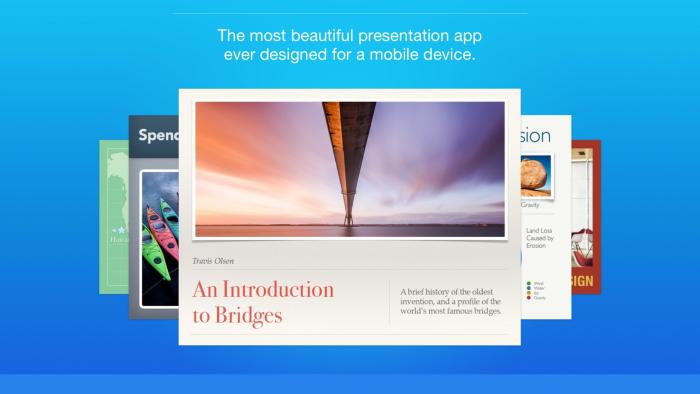
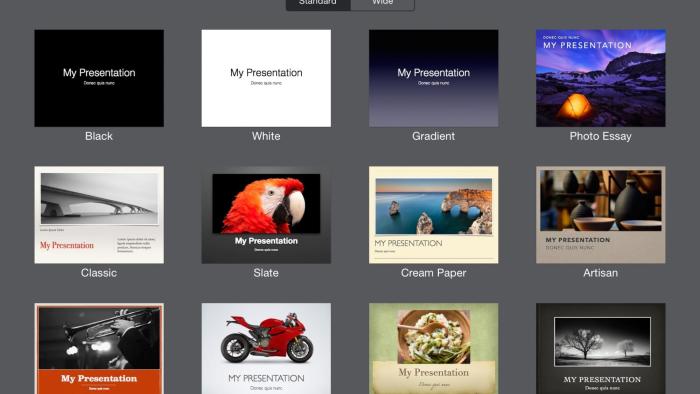
KEYNOTE has all the features a presentation app needs, including a range of slide themes, stellar options for animation, and one-touch access to the ability to present a slide show. One of the best aspects of this app is its flexibility: Kids can import slides from other formats -- such as PDF images or PowerPoint -- and export their slides to the same media.
Is It Any Good?
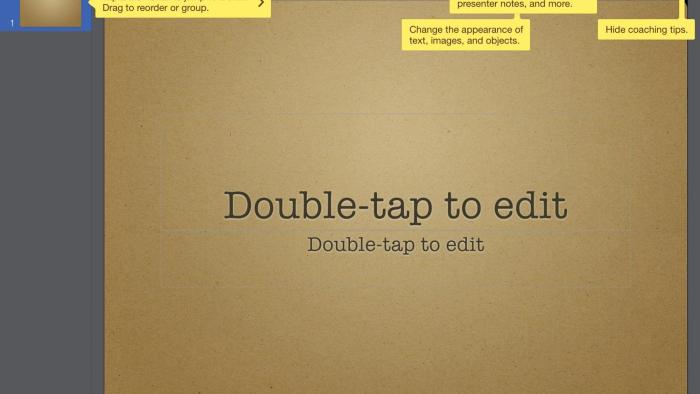
Keynote has great slide-creation features, extensive built-in help text, and lots of ways to present and share. Since it's designed by Apple for their device, it might be the best program to use for making presentations from the iPad or iPhone.
Talk to Your Kids About ...
The best presentations often have the fewest words per slide. How can kids choose their words carefully to have the biggest impact?
Many slide show presentations are meant to enhance an oral presentation. Get kids to outline what they plan to present. Which information should be said aloud? Which information should be included on the slides?
App Details
- Devices : iPhone , iPod Touch , iPad
- Subjects : Language & Reading : presenting to others , speaking , using supporting evidence
- Skills : Thinking & Reasoning : applying information , collecting data , thinking critically , Creativity : making new creations , Communication : conveying messages effectively , multiple forms of expression , presenting , Tech Skills : digital creation , using and applying technology
- Pricing structure : Free
- Release date : January 8, 2015
- Genre : Productivity
- Publisher : Apple
- Version : 4.3
- Minimum software requirements : Requires iOS 11.0 or later.
- Last updated : November 11, 2020
Did we miss something on diversity?
Research shows a connection between kids' healthy self-esteem and positive portrayals in media. That's why we've added a new "Diverse Representations" section to our reviews that will be rolling out on an ongoing basis. You can help us help kids by
Suggest an Update
Common Sense Media's unbiased ratings are created by expert reviewers and aren't influenced by the product's creators or by any of our funders, affiliates, or partners.
See how we rate