







Common Sense Media Review
 By Christy Matte
,
based on child development research. How do we rate?
By Christy Matte
,
based on child development research. How do we rate?
Great curated content, parent controls; flawed navigation.
Parents Need to Know
Why Age 3+?
Any Positive Content?
Where to Download
Videos and Photos


Kidomi
What's It About?
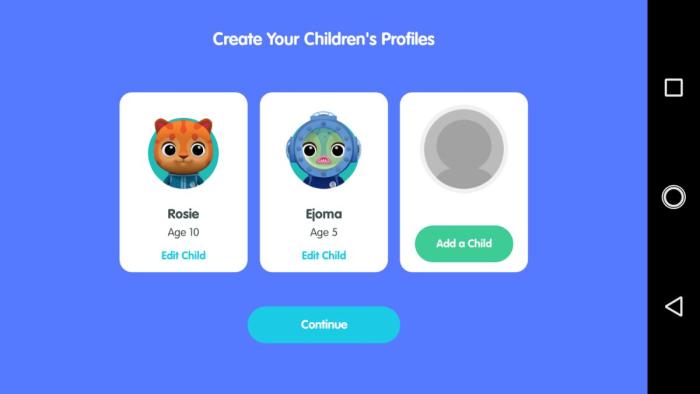
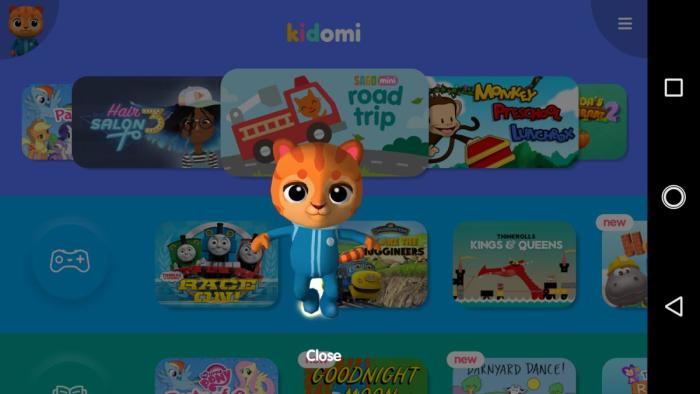
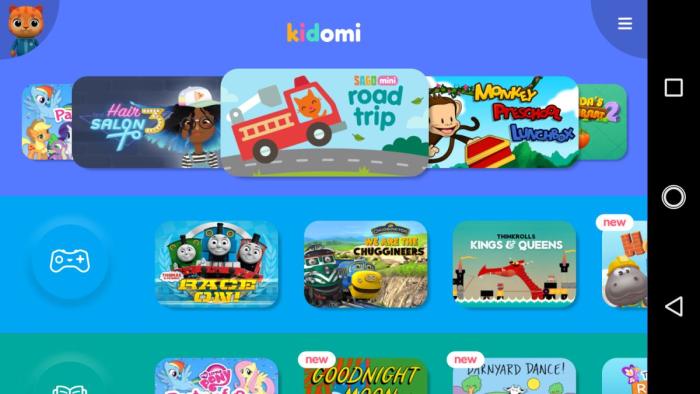
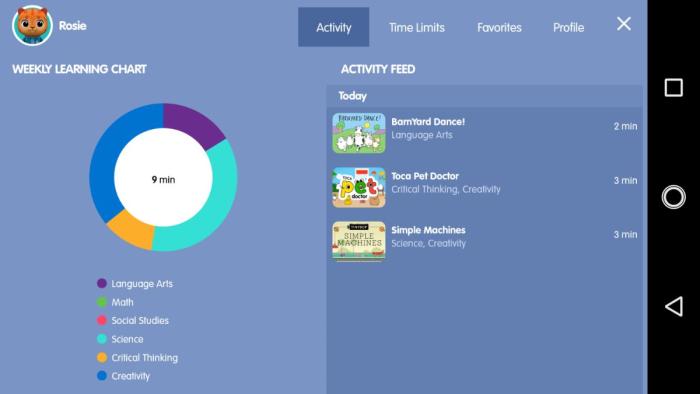
KIDOMI is all about creating a one-stop shop for kids' apps on an Android device. With one subscription fee, kids have access to popular, high-quality kids' apps without having to purchase all of them separately. Parents can create a profile for each child with favorite apps, age-appropriate suggestions, and time limits. Parents can also see what each child has been doing and add their own apps that are installed on the device but not part of the subscription. The apps for kids include imaginative play, books, math, engineering/science, and creativity.
Is It Any Good?
This collection of apps is top-notch, and parental controls are a great addition, but navigation between apps may not be intuitive for some kids. Kidomi allows parents to gain access to a collection of some of the best apps out there for young kids in one interface and for one monthly fee. For parents who are overwhelmed by trying to figure out which apps to buy, this alone may be worth the subscription. The parental controls and statistics for viewing are icing on the cake. But that assumes that you're already paying at least the cost of the subscription fee each month in apps and that you're willing to accept that once the subscription is done, you'll have no apps to show for it, a little like a Netflix for apps. It would be nice to have some sort of common navigation button present to allow kids to get back to the Kidomi menu easily, but the back button is what they need to use. Other than that, Kidomi will be a great option for a lot of busy families.
Talk to Your Kids About ...
Talk to your kids about screen use and limits. How can kids enjoy digital media in balance with other activities?
How do you like this app in comparison with other apps you could play? If you had or have limited screen time, would you pick this app over other apps on your device? Why, or why not?
App Details
- Device : Android
- Subjects : Language & Reading : letter or word recognition , reading , Math : arithmetic , counting , Science : engineering , physics , Arts : drawing
- Skills : Creativity : imagination
- Pricing structure : Free to try
- Release date : February 8, 2018
- Genre : Education
- Publisher : Fingerprint Digital Inc.
- Version : 1.0
- Minimum software requirements : Android 5.0 and up
- Last updated : July 11, 2020
Did we miss something on diversity?
Research shows a connection between kids' healthy self-esteem and positive portrayals in media. That's why we've added a new "Diverse Representations" section to our reviews that will be rolling out on an ongoing basis. You can help us help kids by
Suggest an Update
Common Sense Media's unbiased ratings are created by expert reviewers and aren't influenced by the product's creators or by any of our funders, affiliates, or partners.
See how we rate