







Common Sense Media Review
 By Cynthia Chiong
,
based on child development research. How do we rate?
By Cynthia Chiong
,
based on child development research. How do we rate?
Step-by-step method, animations make writing letters fun.
Parents Need to Know
Why Age 4+?
Any Positive Content?
Where to Download
Videos and Photos


LetterSchool

What's It About?
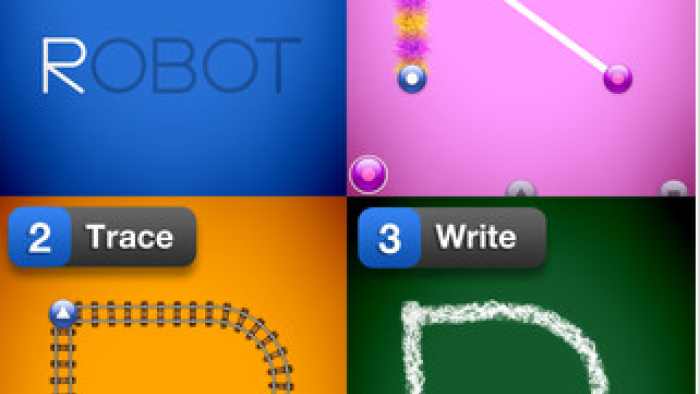
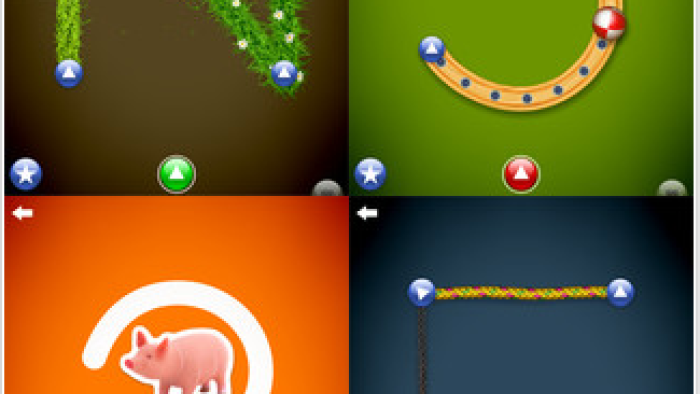
In LETTERSCHOOL, kids can practice writing letters in any order they choose. The app guides them to first tap on the starting points for each stroke, then trace the letter, and finally write it without hints. In the first two steps, kids see an animation as they tap and trace the letter. If kids struggle in the last part, hints show up to help them. The default is uppercase letters, and kids or parents can adjust the settings to show numbers or lowercase letters.
Is It Any Good?
LetterSchool does a great job of teaching letter writing with a three-step process: learn the starting points for each stroke, trace the letter, and write the letter without hints. While the animated features are cool and highly imaginative, they could be a little distracting for some early learners, who may not recognize that the lawnmower mowing the grass is actually writing the letter F. However, the app does give kids opportunities to see and write the letters without animations. LetterSchool also provides motivation for practice by creating two rounds that require kids to write all the letters multiple times.
Talk to Your Kids About ...
Watch as your kids use the app to see which letters are more difficult for them. Encourage them to focus on those letters until they can form them independently.
Give your kids opportunities to practice writing letters with a range of tools including finger paints, crayons, and chalk.
App Details
- Devices : iPhone , iPod Touch , iPad
- Subjects : Language & Reading : letter or word recognition , writing
- Skills : Thinking & Reasoning : applying information , Health & Fitness : fine motor skills
- Pricing structure : Paid
- Release date : January 24, 2012
- Genre : Education
- Topics : Numbers and Letters
- Publisher : Boreaal
- Version : 1.0.1
- Minimum software requirements : iOS 4.2 or later
- Last updated : October 1, 2025
Did we miss something on diversity?
Research shows a connection between kids' healthy self-esteem and positive portrayals in media. That's why we've added a new "Diverse Representations" section to our reviews that will be rolling out on an ongoing basis. You can help us help kids by
Suggest an Update
Common Sense Media's unbiased ratings are created by expert reviewers and aren't influenced by the product's creators or by any of our funders, affiliates, or partners.
See how we rate