







Common Sense Media Review
 By Amanda Bindel
,
based on child development research. How do we rate?
By Amanda Bindel
,
based on child development research. How do we rate?
Create with coding blocks and a mash-up of characters.
Parents Need to Know
Why Age 6+?
Any Positive Content?
Where to Download
Videos and Photos


PBS KIDS ScratchJr
What's It About?
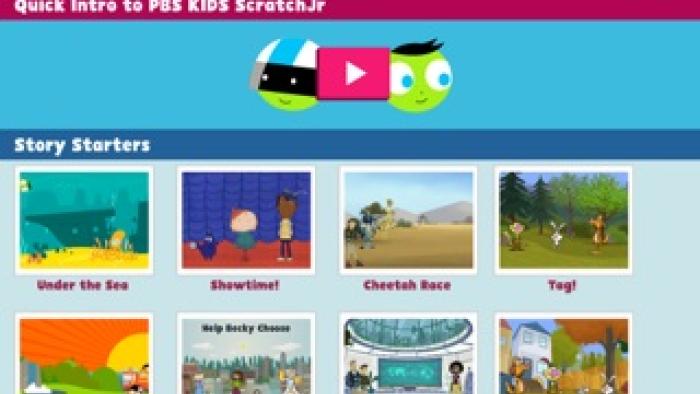
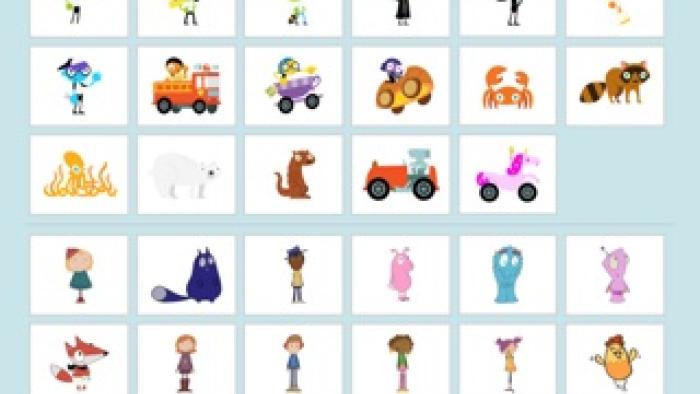
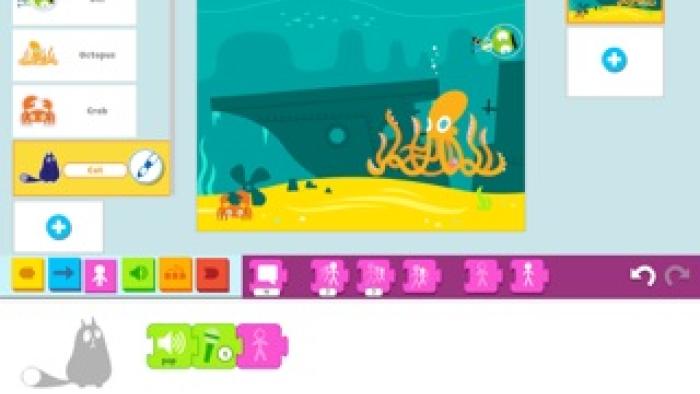
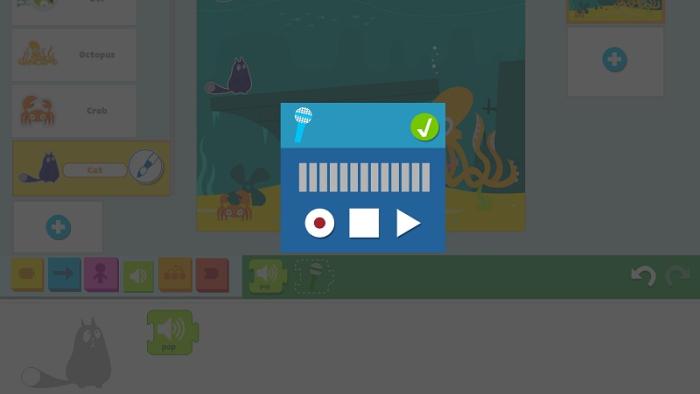
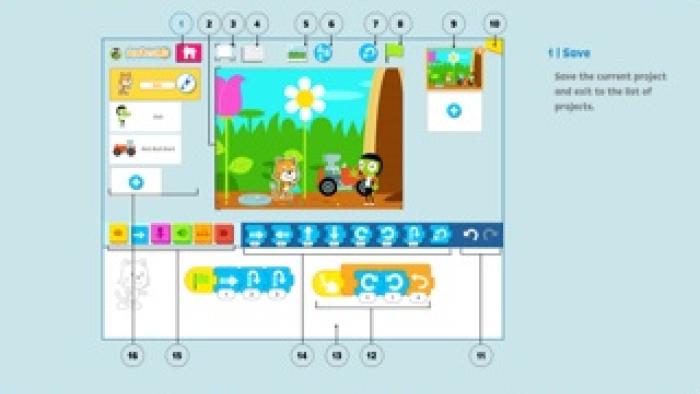
In PBS KIDS SCRATCHJR kids can start with a blank screen or choose a story starter. From the blank screen, they choose characters and backdrops or create their own and then click together commands to direct each character to jump, move, turn, look, and more. They can record custom sounds, too, to make their characters speak. The story starters have characters and backgrounds chosen along with preset commands, but kids can make changes to customize it. Projects are automatically saved.
Is It Any Good?
Favorite characters from familiar kids' shows work alongside kid-friendly block-programming language to introduce kids to coding. Kids will easily pick up on how to use the blocks to direct the characters, and the backdrops and story starters give them a jump start in creating their own programs. The options for creating custom scenes and characters extend the fun and educational opportunities beyond PBS Kids characters. The interface is a bit busier than other block-programming apps, so it may be overwhelming to some kids to be faced with so many choices. Also, if you're looking for coding instruction or training modules, you won't find it here; instead, it's more about the creative process and having fun. Parents who want their kids to focus on the programming aspects may want to guide kids to focus on the code blocks rather than simply moving characters with their fingers, which is possible (and fun) but does not reinforce learning to code.
Talk to Your Kids About ...
Families can talk about the language of programming to help make sense of what kids are doing -- calling the repeating command "looping," for example.
After kids create a program, have them tell you a story to go along with it.
App Details
- Devices : iPad , Android
- Subjects : Language & Reading : storytelling
- Skills : Thinking & Reasoning : logic , Creativity : imagination , making new creations , Tech Skills : digital creation , using and applying technology
- Pricing structure : Free
- Release date : December 2, 2015
- Genre : Education
- Topics : Superheroes , Animals ( Wild Animals )
- Publisher : PBS KIDS
- Version : 1.0
- Minimum software requirements : iOS 7.0 or later; Android 4.4 and up
- Last updated : October 1, 2025
Did we miss something on diversity?
Research shows a connection between kids' healthy self-esteem and positive portrayals in media. That's why we've added a new "Diverse Representations" section to our reviews that will be rolling out on an ongoing basis. You can help us help kids by
Suggest an Update
Common Sense Media's unbiased ratings are created by expert reviewers and aren't influenced by the product's creators or by any of our funders, affiliates, or partners.
See how we rate