





Common Sense Media Review
 By Amanda Bindel
,
based on child development research. How do we rate?
By Amanda Bindel
,
based on child development research. How do we rate?
It's a snap to turn photos into impressive art and share.
Parents Need to Know
Why Age 13+?
Any Positive Content?
Where to Download
Videos and Photos
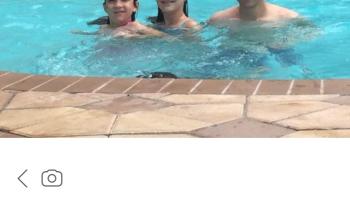
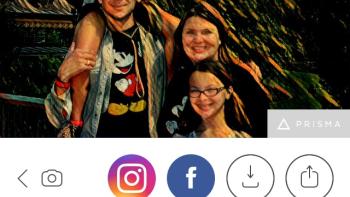
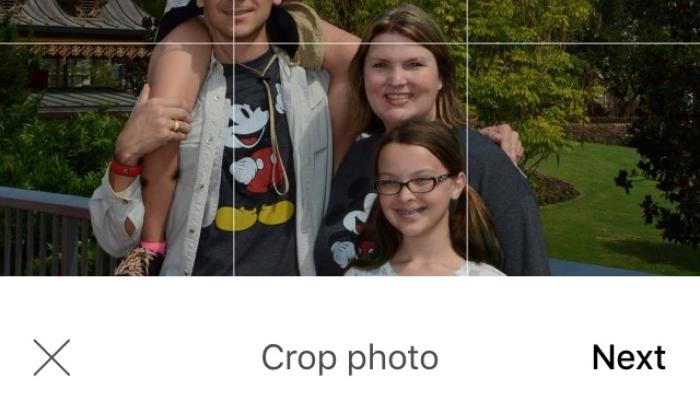
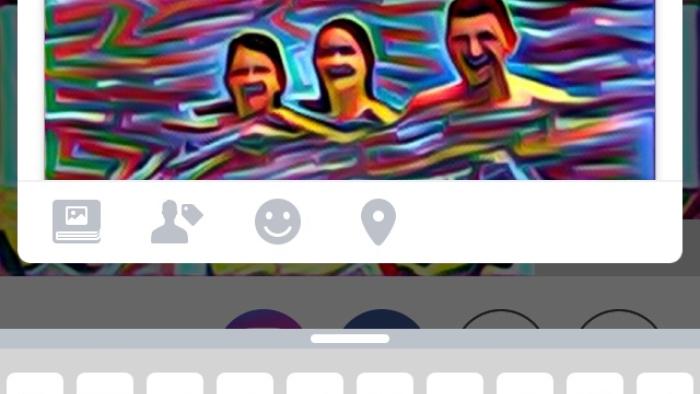
Prisma - Art Photo Editor with Free Picture Effects & Cool Image Filters for Instagram Pics and Selfies
Parent and Kid Reviews
Privacy Rating Warning
Privacy Rating
Our expert evaluators create our privacy ratings. The ratings are designed to help you understand how apps use your data for commercial purposes.
Pass
Meets our minimum requirements for privacy and security practices.
Warning
Does not meet our recommendations for privacy and security practices.
Fail
Does not have a privacy policy and should not be used.
Privacy Rating
Our expert evaluators create our privacy ratings. The ratings are designed to help you understand how apps use your data for commercial purposes.
Pass
Meets our minimum requirements for privacy and security practices.
Warning
Does not meet our recommendations for privacy and security practices.
Fail
Does not have a privacy policy and should not be used.
What's It About?
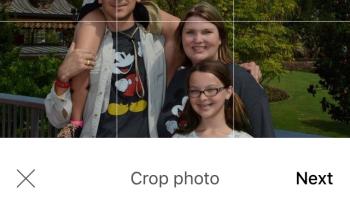
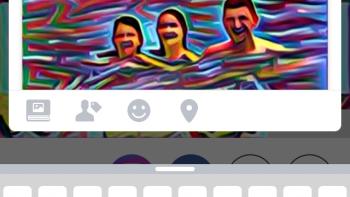
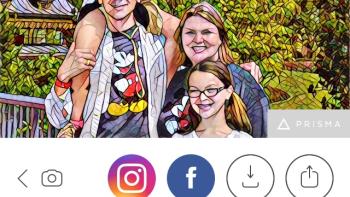
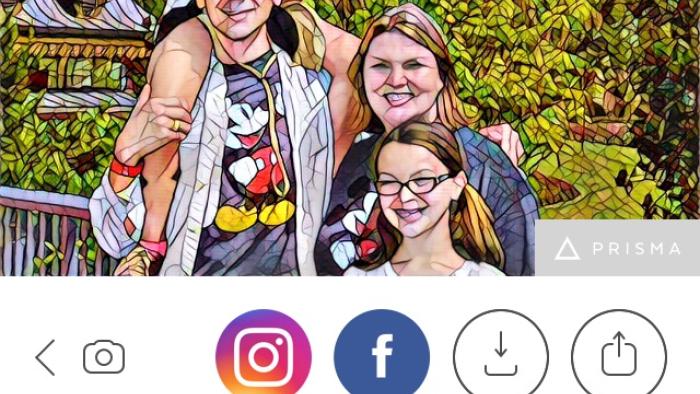
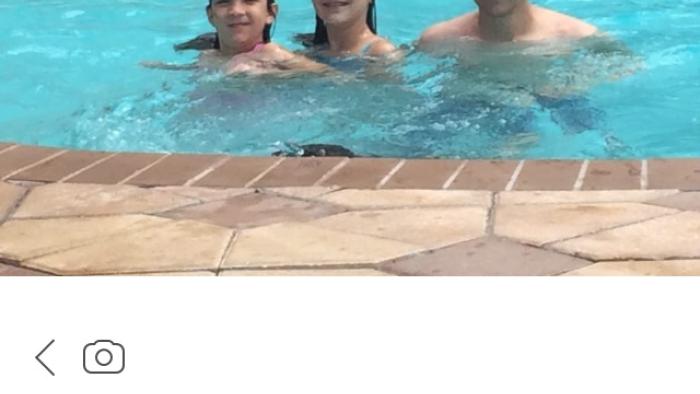
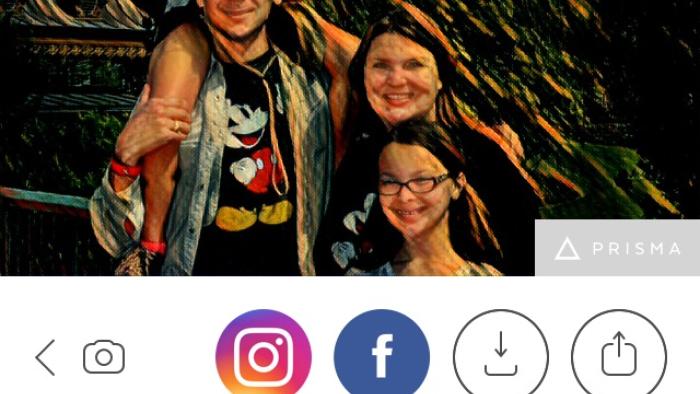
With PRISMA - ART PHOTO EDITOR WITH FREE PICTURE EFFECTS & COOL IMAGE FILTERS FOR INSTAGRAM PICS AND SELFIES lets teens use photos from the camera roll or take them in-app, crop or rotate, and then choose which artistic filter to apply. Choose from black-and-white sketches such as "light summer reading," go with a more classic look with "impression," get a little anime with "mononoke," or pick from dozens of other options. Tap the choice, and after a moment of processing, your masterpiece is revealed. Want to try something else? Just tap again. Share photos from within the app via Facebook or Instagram, save them to the camera roll, or share to other installed apps.
Is It Any Good?
Impressive technology takes social media photos to amazing artistic levels with just a tap. Prisma - Art Photo Editor with Free Picture Effects & Cool Image Filters for Instagram Pics and Selfies is a snap to use but can be slow, with occasional hang-ups: Users will see the triangle logo turn white as the image is processing, but that sometimes just stops or seems to get stuck for a little longer than expected. The results are really cool, even if you have to wait for them, and the style selections range from abstract to modern to mixed media. Though there's nothing iffy about this app, it's still geared to social media sharing, so it's best for those 13 and up. Also, be aware that the developers can share images you create with affiliates for their own purposes, so retaining ownership doesn't necessarily mean retaining total control over your images.
Talk to Your Kids About ...
Families can talk about the artists and art styles that inspired the filters used in Prisma - Art Photo Editor with Free Picture Effects & Cool Image Filters for Instagram Pics and Selfies.
Discuss with kids principles of safe photo-sharing and their digital footprints.
App Details
- Devices : iPhone , iPod Touch , iPad , Android
- Pricing structure : Free
- Release date : June 24, 2016
- Genre : Photo & Video
- Topics : Arts
- Publisher : Prisma Labs, inc.
- Version : 2.2.1
- Minimum software requirements : iOS 8.0 or later; Android 4.1 and up
- Last updated : October 1, 2025
Did we miss something on diversity?
Research shows a connection between kids' healthy self-esteem and positive portrayals in media. That's why we've added a new "Diverse Representations" section to our reviews that will be rolling out on an ongoing basis. You can help us help kids by
Suggest an Update
Common Sense Media's unbiased ratings are created by expert reviewers and aren't influenced by the product's creators or by any of our funders, affiliates, or partners.
See how we rate