







Common Sense Media Review
 By Mieke VanderBorght
,
based on child development research. How do we rate?
By Mieke VanderBorght
,
based on child development research. How do we rate?
Cool tech supports independent readers, still has glitches.
Parents Need to Know
Why Age 6+?
Any Positive Content?
Where to Download
Videos and Photos


Reading Racer

What's It About?
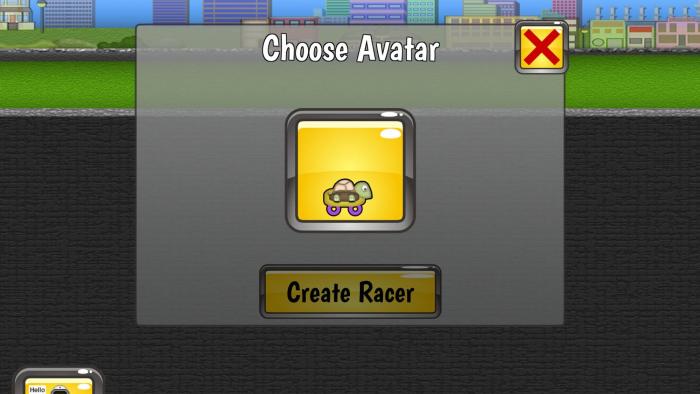
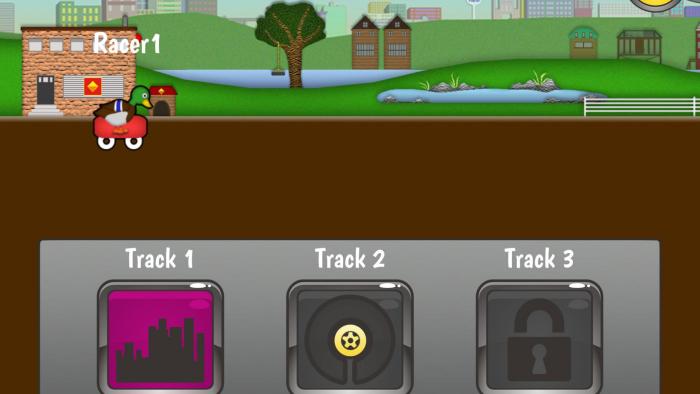
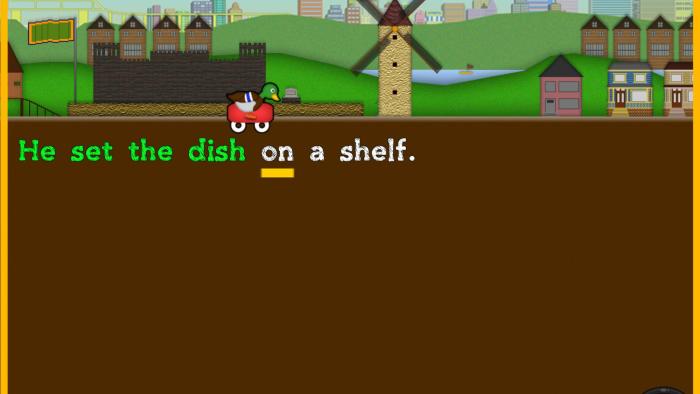
With READING RACER kids get feedback as they read short stories out loud. Once parents provide an email address and confirm their permission for kids to access the app, kids can choose to play in practice or race mode. Voice-recognition software listens to kids reading aloud and provides help where kids have trouble. Practice mode offers no-pressure, no-assessment free-play reading. In race mode, kids read as quickly and accurately as they can and accumulate points to unlock up to 200 stories.
Is It Any Good?
Creative use of technology attempts to replicate the experience of a new reader making their way through a story with the help of an experienced reader -- but only gets partway there. Reading Racer is a nice concept and gives kids ample opportunity to practice reading on their own. Struggling with a word? Pronounce something wrong? The voice-recognition software and built-in reading support allow kids to get feedback right where they need it. And the stories get progressively more challenging to read as kids earn more points, so the experience grows as they do. Unfortunately, there can be enough technical issues to interfere with kids' experience. For example, though the voice recognition generally works pretty well, there are times when it incorrectly detects things or the reading cursor jumps ahead even though kids' reading hasn't caught up. These kinds of things can really confuse early readers. The computerized voice, low-tech graphics, and less-than-thrilling stories could also use some work. Of course, the experience of practicing reading with a loving caregiver is irreplaceable. But, particularly given that it's free, Reading Racer could provide some additional practice -- when everything is working correctly, that is.
Talk to Your Kids About ...
Families can talk about the words your kids struggle with in Reading Racer. Help them sound the words out, memorize them, or point out spelling rules (such as the rule of the silent final "e") to help kids notice patterns.
Read books to your kids as often as you can, even after they learn to read on their own. Beginning readers can read to you, or you can take turns.
How do you get your kids to read? Are there ways to keep them reading once they're started? Check out Common Sense Media's expert article, How to Get Your Kids Reading.
App Details
- Devices : iPhone , iPod Touch , iPad
- Subjects : Language & Reading : reading , speaking
- Skills : Self-Direction : academic development , Communication : speaking
- Pricing structure : Free
- Release date : January 12, 2017
- Genre : Educational Games
- Publisher : SeaShells Education Software
- Version : 1.1
- Minimum software requirements : iOS 7.0 or later
- Last updated : April 5, 2017
Did we miss something on diversity?
Research shows a connection between kids' healthy self-esteem and positive portrayals in media. That's why we've added a new "Diverse Representations" section to our reviews that will be rolling out on an ongoing basis. You can help us help kids by
Suggest an Update
Common Sense Media's unbiased ratings are created by expert reviewers and aren't influenced by the product's creators or by any of our funders, affiliates, or partners.
See how we rate