








Common Sense Media Review
 By Ashley Kemper
,
based on child development research. How do we rate?
By Ashley Kemper
,
based on child development research. How do we rate?
Easy-to-use image-creation tool; some mature content.
Parents Need to Know
Why Age 13+?
Any Positive Content?
Where to Download
Videos and Photos


ThingLink


What's It About?
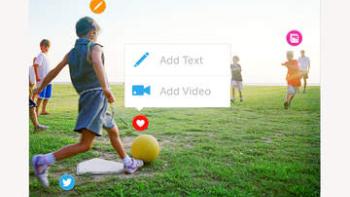
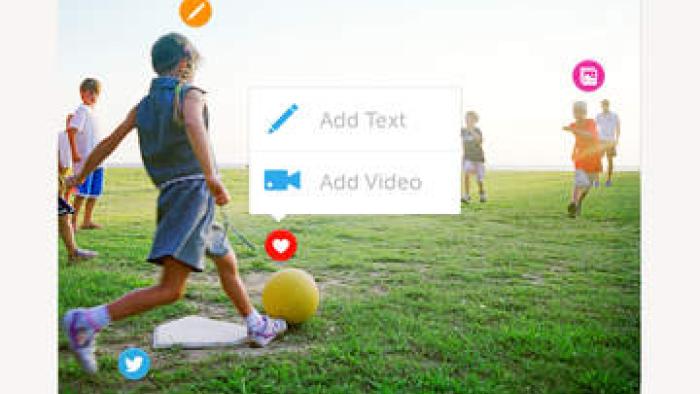
When opening THINGLINK, kids either upload or search the community for a static background image. Once it's loaded, kids click to add red and white targets throughout the image. ThingLink will prompt users to insert text or media (another image from the photo roll or a video). Then they can share these interactive images using email or social media. The app's community can be accessed by choosing the menu on the left, which will guide users to interactive images that others have created; some content is too mature for younger users.
Is It Any Good?
ThingLink provides an easy-to-use platform for creating engaging, interactive images. It gives kids the potential to create meaningful content for any subject. Example uses are available from the featured content page, which might help some kids get a better idea of how best to use the tool. Because of its focus on images rather than text, ThingLink easily supports multiple learning styles and literacy levels.
Talk to Your Kids About ...
Families can talk about how smaller parts make up a larger whole. Help kids find images of something complex, such as a computer, the human body, or a car. Then, help kids identify the different parts and label them using ThingLink. Older kids might be able to include hyperlinks to YouTube videos explaining the smaller pieces.
Talk about how kids might use the app for school projects, especially if they often have trouble creating presentations.
App Details
- Devices : iPhone , iPod Touch , iPad
- Subjects : Language & Reading : presenting to others , storytelling
- Skills : Thinking & Reasoning : part-whole relationships , Creativity : making new creations , producing new content
- Pricing structure : Free
- Release date : April 9, 2015
- Genre : Education
- Publisher : Thinglink Oy
- Version : 3.2
- Minimum software requirements : 7.0 or later
- Last updated : November 11, 2020
Did we miss something on diversity?
Research shows a connection between kids' healthy self-esteem and positive portrayals in media. That's why we've added a new "Diverse Representations" section to our reviews that will be rolling out on an ongoing basis. You can help us help kids by
Suggest an Update
Common Sense Media's unbiased ratings are created by expert reviewers and aren't influenced by the product's creators or by any of our funders, affiliates, or partners.
See how we rate