







Common Sense Media Review
 By Amanda Bindel
,
based on child development research. How do we rate?
By Amanda Bindel
,
based on child development research. How do we rate?
Impressive animation tool; a bit complex for newbies.
Parents Need to Know
Why Age 10+?
Any Positive Content?
Where to Download
Videos and Photos


Animation & Drawing by Do Ink

What's It About?
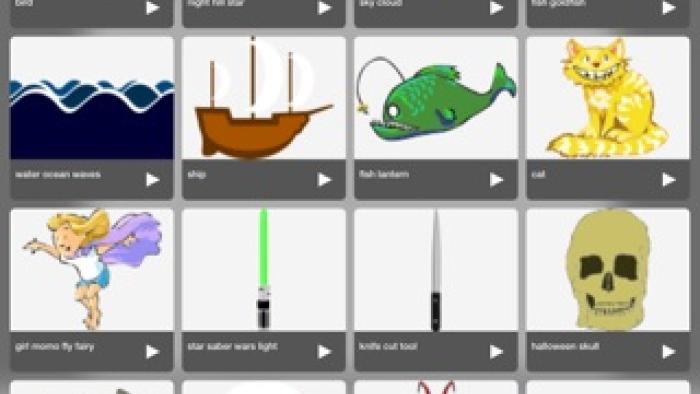
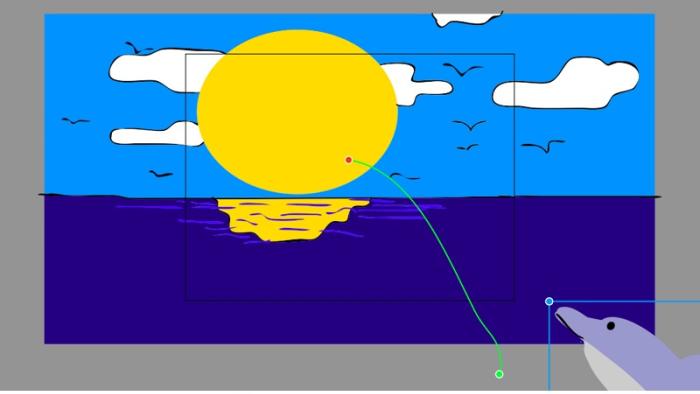
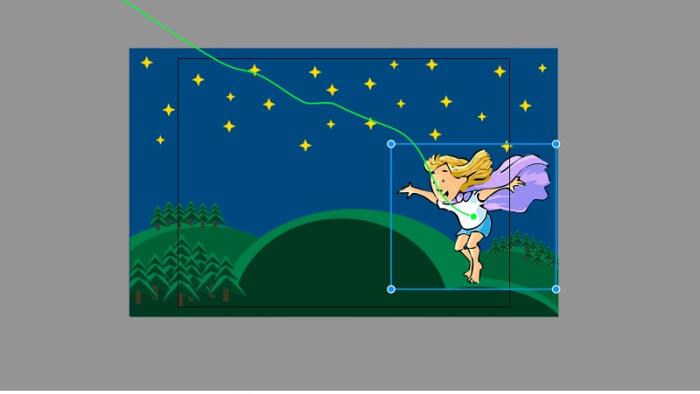
ANIMATION & DRAWING BY DO INK opens into the gallery, which includes any saved work and a couple of ready-made examples. The gallery includes clips of completed animations, drawings of still images, and compositions of animations. Kids click the plus sign to create a new drawing or composition and can access the gallery to pull in more drawings or compositions to add to the new composition. The help screen progresses from "first steps" in how to create a composition using existing drawings to how to use the shapes, color, and vector-path tools to create more advanced, original animations. Do Ink animations can be exported for use in Green Screen by Do Ink presentations too.
Is It Any Good?
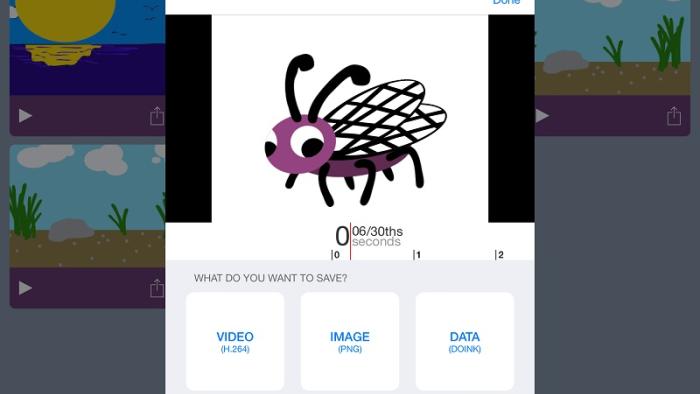
Animation & Drawing by Do Ink can work for beginners and experts alike. Beginners can create an impressive animation in only a few minutes, and experts can create custom animations with original drawings using advanced features. However, beginners may have a moment of panic when looking at that white screen surrounded by tools, so the tutorials are a must. Unfortunately, the in-app tutorial is all text and lengthy enough that some kids might give up. Having the video tutorials in-app would be nice, but it is helpful to watch the tutorial on a different screen while playing around with the app on another. The library of clip-art-like images is impressive, but don't worry if something is missing -- that's what the drawing tool is for. Saving and sharing creations is easy too.
Talk to Your Kids About ...
Families can talk about how animation has changed with technology, from each sketch being hand-drawn for every movement to a tool like this easily creating animation.
If the written tutorial is hard to follow, show kids the tutorial videos available on the Do Ink website.
App Details
- Device : iPad
- Subjects : Arts : drawing , film
- Skills : Creativity : combining knowledge , imagination , making new creations , producing new content , Tech Skills : digital creation , using and applying technology
- Pricing structure : Paid
- Release date : April 8, 2015
- Genre : Education
- Topics : Arts
- Publisher : DK Pictures, Inc.
- Version : 4.5
- Minimum software requirements : iOS 9.0 or later
- Last updated : October 1, 2025
Did we miss something on diversity?
Research shows a connection between kids' healthy self-esteem and positive portrayals in media. That's why we've added a new "Diverse Representations" section to our reviews that will be rolling out on an ongoing basis. You can help us help kids by
Suggest an Update
Common Sense Media's unbiased ratings are created by expert reviewers and aren't influenced by the product's creators or by any of our funders, affiliates, or partners.
See how we rate