







Common Sense Media Review
 By Amanda Bindel
,
based on child development research. How do we rate?
By Amanda Bindel
,
based on child development research. How do we rate?
Code, create, and collaborate with cute characters.
Parents Need to Know
Why Age 5+?
Any Positive Content?
Where to Download
Videos and Photos


codeSpark Academy


Parent and Kid Reviews
Based on 25 parent reviews
Parents say this mobile app is an engaging and effective tool for introducing children, particularly those aged 5-8, to coding through fun and interactive challenges. While many praise its educational value and user-friendly design, concerns have been raised regarding its subscription model and difficulties with cancellation.
- engaging learning tool
- subscription issues
- user-friendly design
- suitable for young children
- fosters problem-solving skills
 Summarized with AI
Based on 2 kid reviews
What's It About?
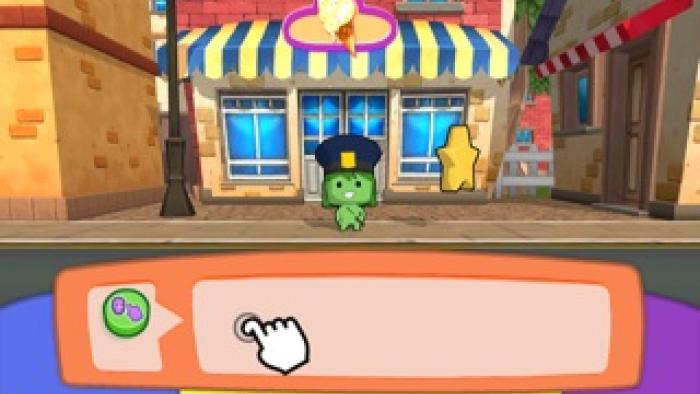
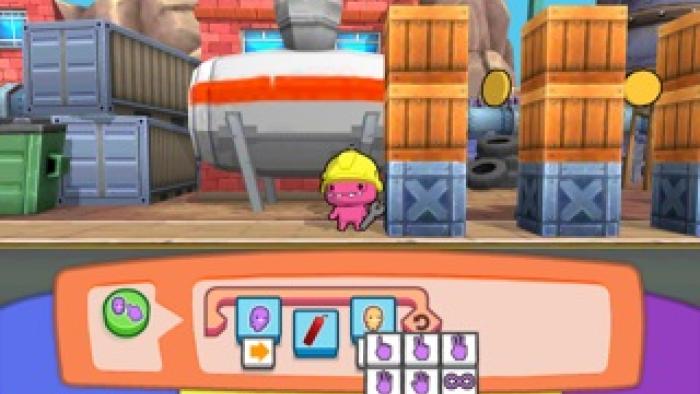
CODESPARK ACADEMY features fun little monsters navigating city streets, encountering police officers and construction sites as well as obstacles such as boxes and tires. Kids drag and drop commands or visual blocks of code from the Scratch programming language into the correct order to guide monsters to their destination. Kids must complete one level to advance to the next, and they receive one, two, or three stars based on how efficiently they used the commands. Levels can be replayed for a higher score. In Adventure Game mode kids can code their own games and share with others.
Is It Any Good?
As with other coding games, this app features monster characters that will appeal to both boys and girls; in this case, however, those characters work together, and the game plays out in a story format. The levels get increasingly challenging and the story more complex. By design, kids have to figure out what to do and how to do it on their own, which will be empowering for most kids and frustrating for some. A solutions guide is available through the parent section of codeSpark Academy, which is essential, as some levels involve trickier solutions requiring multiple characters. And the ability to create games and share them allows for more creativity and social elements, which can boost learning. Overall, it's a fun way to expose kids to the logic of programming.
Talk to Your Kids About ...
Families can talk about how code drives technology, from the tablets and computers we use to other electronics we encounter every day. What do your kids already know about coding? How can codeSpark Academy help you learn?
Explain the star scoring to kids: Even though they may construct code that is functional, they won't get three stars until they use the most efficient commands.
App Details
- Devices : iPhone , iPod Touch , iPad , Android , Chromebook , Kindle Fire
- Skills : Thinking & Reasoning : logic , strategy , thinking critically , Tech Skills : digital creation , using and applying technology
- Pricing structure : Free to try
- Release date : January 20, 2022
- Genre : Education
- Topics : Fantasy , STEM
- Publisher : codeSpark
- Version : 3.04.02
- Minimum software requirements : iOS 10.0 or later; Android 4.4 and up
- Last updated : October 9, 2025
Did we miss something on diversity?
Research shows a connection between kids' healthy self-esteem and positive portrayals in media. That's why we've added a new "Diverse Representations" section to our reviews that will be rolling out on an ongoing basis. You can help us help kids by
Suggest an Update
Common Sense Media's unbiased ratings are created by expert reviewers and aren't influenced by the product's creators or by any of our funders, affiliates, or partners.
See how we rate