







Common Sense Media Review
Instagram video browser offers limited usefulness.
Parents Need to Know
Why Age 15+?
Any Positive Content?
Where to Download
Videos and Photos


IGTV



Parent and Kid Reviews
What's It About?
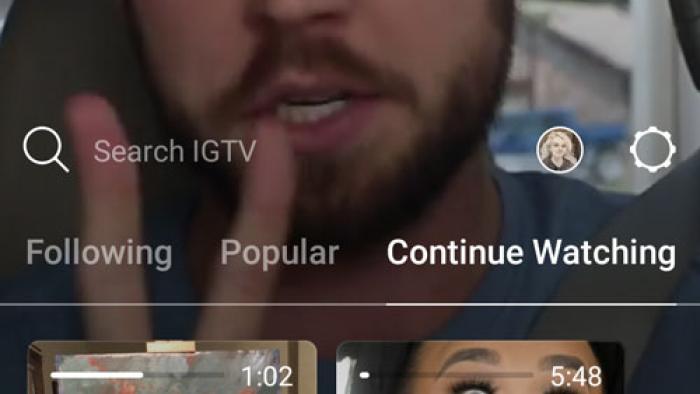
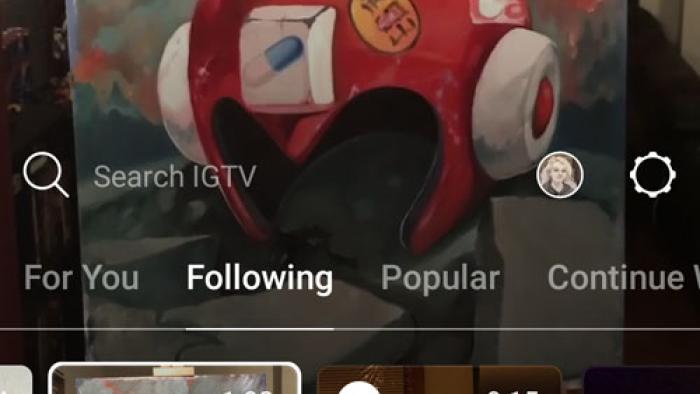
IGTV is a video app mainly designed to let users instantly follow video content created by their favorite Instagram stars. It has no video tools of its own; it's merely a method of browsing and posting existing content. Users create their own channels and then upload videos to them from phones or tablets: The app store says videos can be "up to an hour" long, but in-app text says between 15 seconds and 10 minutes. Its main selling point is its vertical format. All videos, regardless of the format they're shot in, are displayed vertically in order to accommodate mobile device screens. Users can browse content, "like" and comment on videos, follow "channels," and share videos via messenger with friends.
Is It Any Good?
If Instagram's plan with this app is to knock YouTube off its high horse, they've got a ways to go. Firstly, it carries all of the concerns parents already have about Instagram, so you can assume the content will be similar, except for longer videos. But IGTV isn't a video maker. It has no creative tools whatsoever and is meant strictly as a video-viewing tool. The main thing that makes it different from other, similar apps is its vertical display format -- a feature that's questionable at best. Sure, most people hold their phones vertically, but is it that big a deal to turn them sideways for widescreen? A bothersome side effect is that uploaded videos must be recorded in a vertical format. So your vacation video from Disneyland with all the glorious horizontal views? They're a no-go here; you'll be turning your phone 90 degrees to watch them, as always. And just that fast, a so-called feature becomes a limitation. Other than the format, the point seems to be isolating video content into channels and allowing longer videos, but with this feature already integrated into the existing Instagram app, it seems unlikely to attract those who don't use Instagram already. The interface feels clunky and unfinished, and as of this writing, it's impossible to upload anything longer than 10 minutes, sort content by category, or save your favorite videos to your channel. The best thing to be said about IGTV is that it accesses Instagram video content instantly -- itself a questionable benefit unless your Instagram faves are big on creating long-form video. The draw of Instagram's billion-strong audience will likely keep this app afloat for a little while, but it's got some work to do before it can seriously take on YouTube.
Talk to Your Kids About ...
Families can talk about posting videos online using apps like IGTV. What's safe to post? What's not?
Discuss what makes people flock to a new app. Do you choose apps based on what's popular? Does this app add to the Instagram experience?
Think about what makes an app worthwhile. What does an app have to do in order for you to keep it?
App Details
- Devices : iPhone , iPod Touch , iPad , Android
- Pricing structure : Free
- Release date : June 20, 2018
- Genre : Photo & Video
- Publisher : Instagram, Inc.
- Version : 50.0.0.41.119
- Minimum software requirements : iOS 9.0 or later; Android 4.1 and up
- Last updated : October 31, 2022
Did we miss something on diversity?
Research shows a connection between kids' healthy self-esteem and positive portrayals in media. That's why we've added a new "Diverse Representations" section to our reviews that will be rolling out on an ongoing basis. You can help us help kids by
Suggest an Update
Common Sense Media's unbiased ratings are created by expert reviewers and aren't influenced by the product's creators or by any of our funders, affiliates, or partners.
See how we rate