







Common Sense Media Review
 By Amanda Bindel
,
based on child development research. How do we rate?
By Amanda Bindel
,
based on child development research. How do we rate?
Fun feedback feature in quiz-making and taking tool.
Parents Need to Know
Why Age 9+?
Any Positive Content?
Where to Download
Videos and Photos


Quizizz: Play to Learn


What's It About?
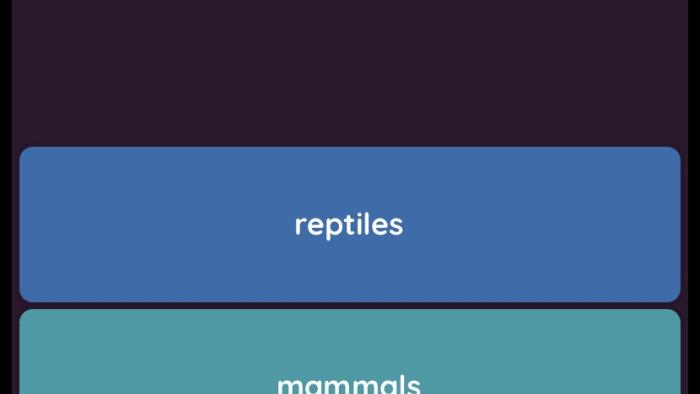
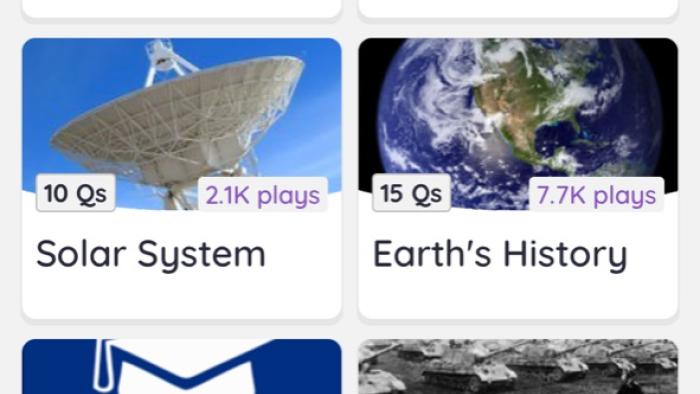
Most kids will encounter QUIZIZZ: PLAY TO LEARN in the classroom, where teachers create quizzes for a fun educational activity. Teachers, students, and parents can each create accounts on Quizizz, taking or creating quizzes. Outside of the classroom, kids can take premade quizzes from a variety of content areas or just for fun, or make their own quizzes to share with others. The feedback after each question sets this app apart: Right or wrong answers are met with memes. Kids can choose themes for their memes before taking a quiz or just go with a random selection. Quizzes can be shared by an access code or by text, email, or link.
Is It Any Good?
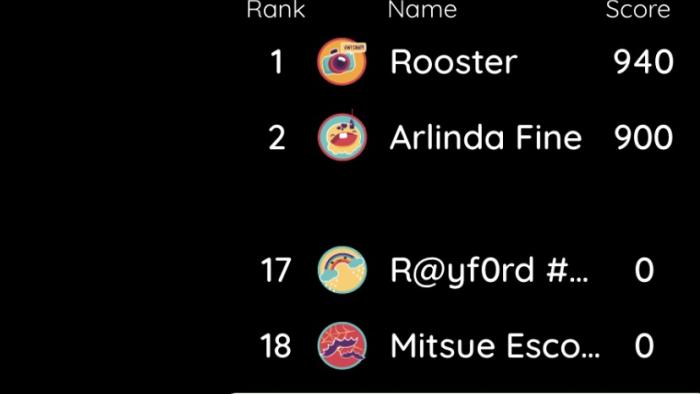
While many educational quiz apps exist, the humor of meme feedback sets this tool apart and will draw kids to play and create. Quiz content options are unlimited, making this a versatile tool. Fun also abounds with other features like leaderboards and music. For teachers looking for more serious content, those features can be turned off. Parents will appreciate the option to create an account linked to their child's to monitor activity. In the field of quiz apps, Quizizz: Play to Learn wins with the fun element while still offering a tool for feedback and practice.
Talk to Your Kids About ...
Families can talk about smart ways to use Quizizz: Play to Learn to review for tests or quizzes. Talk about making sure ready-made content matches what is included in their unit, or better yet, encourage them to create a Quizizz from their notes and share with a classmate (and vice versa).
Use it for fun family quizzes. Choose a quiz and compete with one another or take turns creating quizzes for each other.
App Details
- Devices : iPhone , iPod Touch , iPad , Android
- Skills : Thinking & Reasoning : asking questions , deduction , thinking critically , Self-Direction : academic development
- Pricing structure : Free
- Release date : October 17, 2019
- Genre : Education
- Topics : School ( High School , Middle School ) , History , STEM
- Publisher : Quizizz
- Version : 4.4
- Minimum software requirements : iOS 9.0 or later; Android 4.4 and up
- Last updated : September 30, 2025
Did we miss something on diversity?
Research shows a connection between kids' healthy self-esteem and positive portrayals in media. That's why we've added a new "Diverse Representations" section to our reviews that will be rolling out on an ongoing basis. You can help us help kids by
Suggest an Update
Common Sense Media's unbiased ratings are created by expert reviewers and aren't influenced by the product's creators or by any of our funders, affiliates, or partners.
See how we rate