







Common Sense Media Review
 By Erin Brereton
,
based on child development research. How do we rate?
By Erin Brereton
,
based on child development research. How do we rate?
Kids star in books and vids; lots of fun, less learning.
Parents Need to Know
Why Age 3+?
Any Positive Content?
Videos and Photos


StoryBots
What's It About?
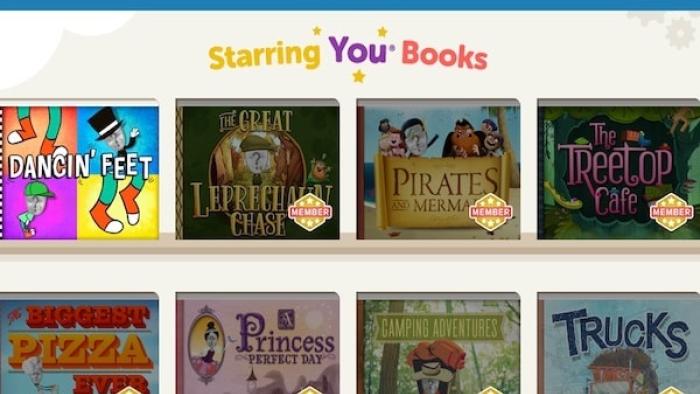
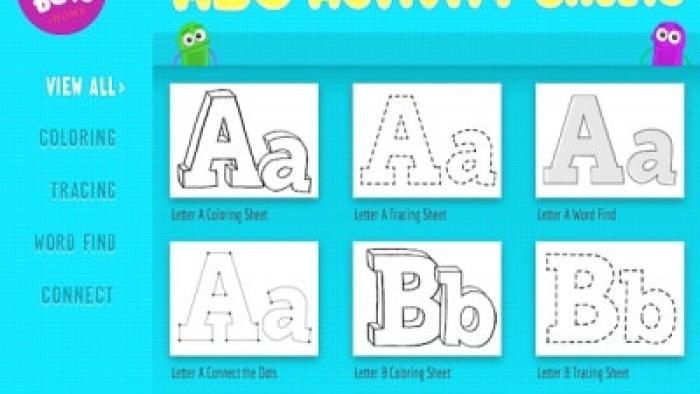
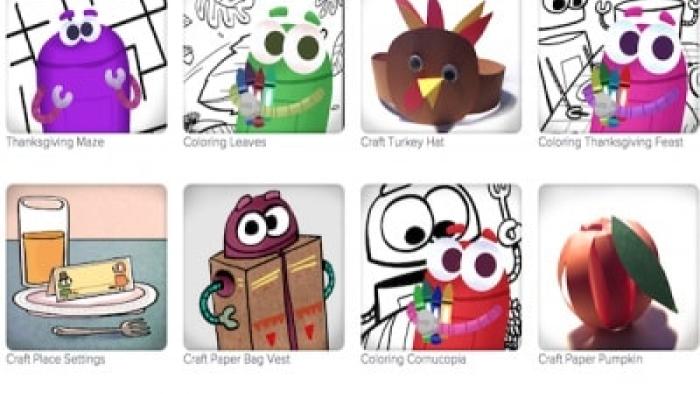
STORYBOTS, created by the brothers behind holiday ecard developer JibJab.com, lets users create books and videos featuring their images and names. The site also features learning-based music videos and activity downloads, including coloring pages, recipes, craft projects, word searches, and mazes. You upload a photograph of your face, which is inserted atop a StoryBot or other character's body -- this version of you then will star in videos and stories. Users can check out a chunk of the site for free; a family subscription that includes unlimited access to videos, books, downloadable video songs, and activity sheets is $4.99 a month, $4.49 for a six-month subscription, or $3.49 for 12 months.
Is It Any Good?
StoryBots' concept is cute: Let kids (and adults) easily create videos and ebooks that feature their images. The process is simple; click on a story, and upload a photo. The graphics are modern and charming, and the variety of quirky songs (such as "Big Brown Boogieing Bear") will grab kids' interest.
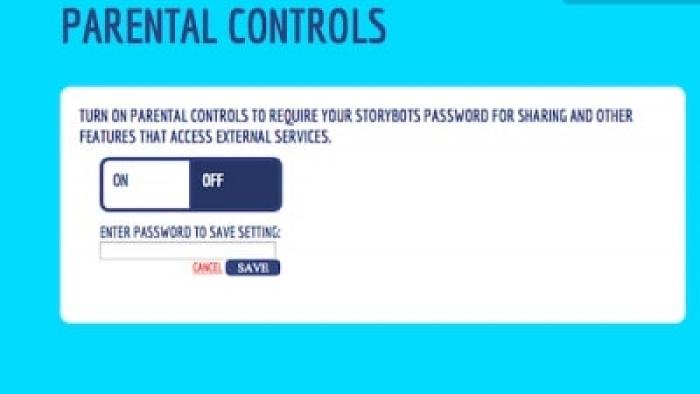
However, there's a catch. Without a paid membership, kids won't be able to access the bulk of the site's content. Users can only customize a handful of the site's 25 videos for free, and only one of StoryBots' 36 books is available without a paid subscription. With parental approval, kids can share videos on Facebook or email them to a friend. But you can't currently save finished ebooks to your desktop or create ones with original content. Without additional design and saving options, kids may not really want to use the site repeatedly. If you're willing to pay, StoryBots can be a really fun diversion with a bit of learning thrown in.
Talk to Your Kids About ...
Families can discuss which elements are most important when telling a story. Do you always need a beginning, middle, and end? What other things do you need to mention for a story to make sense?
Have your child tell a story to you verbally, and then write it down. How do the versions differ?
StoryBots lets you insert yourself into stories in a fun, safe way. But sharing your picture on some sites may not be a good idea. How can your child tell the difference between a site on which it's OK to post photos and sites that might show those images to strangers?
Website Details
- Subjects : Language & Reading : following directions , letter or word recognition , reading , Arts : painting
- Skills : Thinking & Reasoning : solving puzzles , Creativity : making new creations
- Genre : Creating
- Topics : Holidays , Numbers and Letters
- Last updated : October 1, 2025
Did we miss something on diversity?
Research shows a connection between kids' healthy self-esteem and positive portrayals in media. That's why we've added a new "Diverse Representations" section to our reviews that will be rolling out on an ongoing basis. You can help us help kids by
Suggest an Update
Common Sense Media's unbiased ratings are created by expert reviewers and aren't influenced by the product's creators or by any of our funders, affiliates, or partners.
See how we rate